> ## Documentation Index
> Fetch the complete documentation index at: https://docs.flex.ai/llms.txt
> Use this file to discover all available pages before exploring further.
# FlexAI CLI Login
> Authenticate the FlexAI CLI using your GitHub account
After [installing the FlexAI CLI](/cli/install/) you'll need to authenticate using the GitHub account you've registered with FlexAI. You can start the authentication process by running:
```bash theme={null}
flexai auth login
```
Depending on your system, your default browser will automatically open the "*Sign in*" page, or you will be prompted to visit the "*Sign in*" URL:
```text theme={null}
Please visit the following URL in your browser to authenticate:
`https://api.flex.ai:443/api/v1/auth/login?redirect_endpoint=%2Fcallback&redirect_host=localhost%3A34283&redirect_scheme=http`
```
Depending on your system, you can either use `Ctrl+Left Click` to open the link or copy and paste it directly into your browser to sign in with your GitHub account.
If you are running the FlexAI CLI within a headless environment (such as a remote SSH session), you can use the [method described here](/best-practices/alternative-methods/logging-from-a-remote-env/) to authenticate.
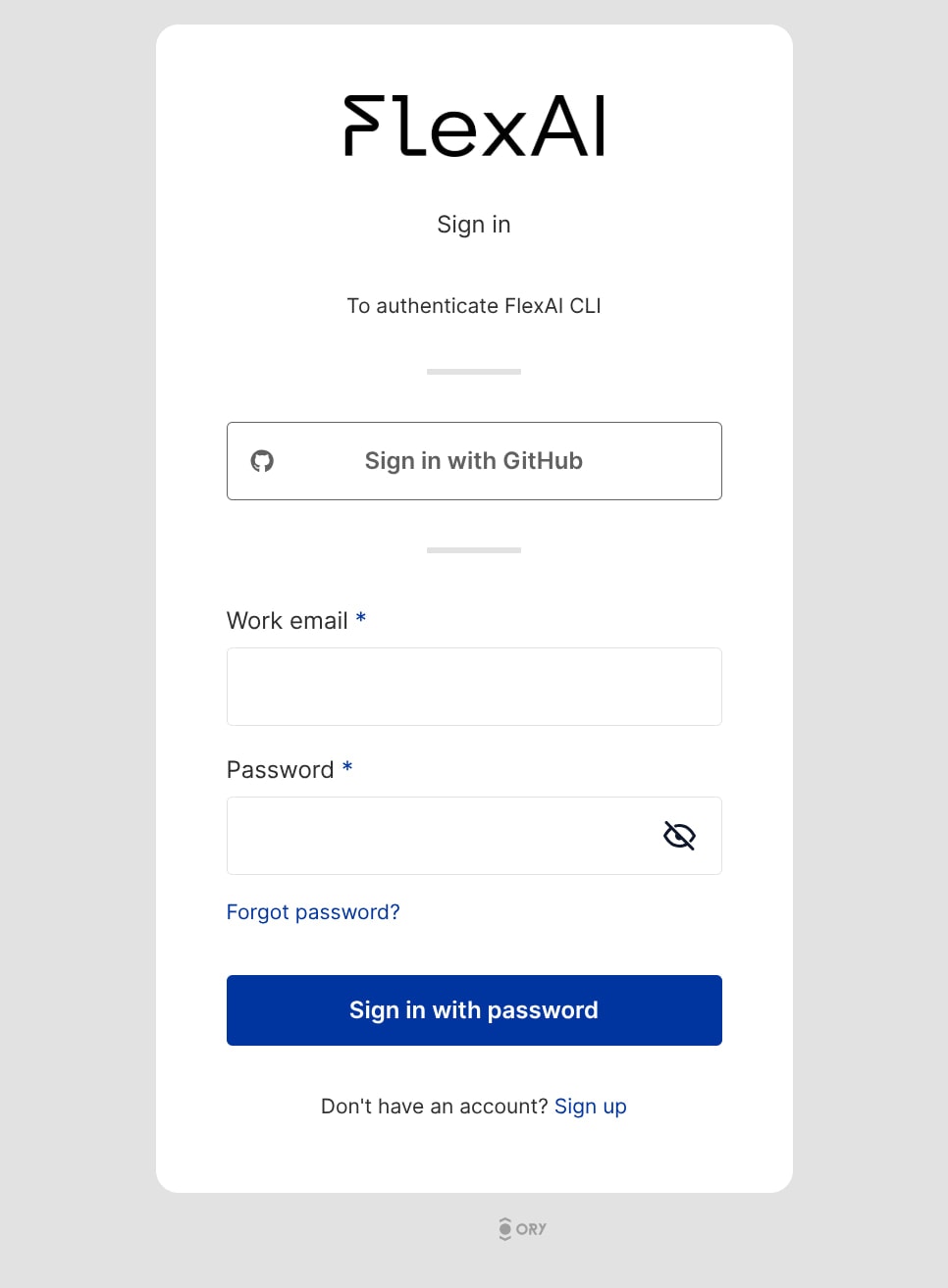
The browser will prompt you to sign in with your GitHub account (see image below). After signing in, you will be redirected to the FlexAI website. Feel free to close the browser window and return to your terminal.
 You can now go back to your terminal, where you will have a `You are logged in!` confirmation message.
> If you are unable to authenticate, please reach out to our support team through the dedicated channels we've setup for your team.
If you haven't already, we recommend following the [Training Quickstart Tutorial](/core-services/training/quickstart/), which will guide you through an example that shows you how to train a model (NanoGPT in this case) to learn more about the main functionalities FlexAI has to offer.
You can now go back to your terminal, where you will have a `You are logged in!` confirmation message.
> If you are unable to authenticate, please reach out to our support team through the dedicated channels we've setup for your team.
If you haven't already, we recommend following the [Training Quickstart Tutorial](/core-services/training/quickstart/), which will guide you through an example that shows you how to train a model (NanoGPT in this case) to learn more about the main functionalities FlexAI has to offer.