> ## Documentation Index
> Fetch the complete documentation index at: https://docs.flex.ai/llms.txt
> Use this file to discover all available pages before exploring further.
# Changelog: 2025-05-15
## Highlights
* **FlexAI Inference** - *Preview Release*: You can now create and manage Inference Endpoints using the `flexai inference` command!
* **Hugging Face Storage Connector**: Hugging Face is now part of the list of Remote Storage Providers you can leverage by creating a `storage` connection.
* **TensorBoard Support**: Training Jobs can now be tracked using [TensorBoard](https://www.tensorflow.org/tensorboard), allowing for real-time visualization of training metrics and performance.
## Added
* **Preview release**: Support for creating and managing Inference Endpoints via the [`flexai inference` command](/cli/reference/inference/serve), enabling users to serve, update, and monitor model inference endpoints directly from the CLI. You only need to specify pass a `--hf-token-secret` flag pointing to the name of the Secret containing your Hugging Face access token and the name of the [vLLM supported model](https://docs.vllm.ai/en/latest/models/supported_models.html) you'd like to serve. Refer to the [inference CLI command documentation](/cli/reference/inference) for more details.
* Hugging Face as a supported [Remote Storage Provider](/cli/reference/storage/create). This addition enables you to easily push Datasets and model Checkpoints directly from the Hugging Face Hub — no need to download them locally to push them back again any more.
* Support for TensorBoard in Training Jobs has been added to FlexAI's suite of observability tools. TensorBoard is enabled by default and you only have to make your code write the files required by TensorBoard to the path specified in the `TENSORBOARD_LOG_DIR` environment variable. Visit [https://tensorboard.flex.ai/](https://tensorboard.flex.ai/) and log in using the same credentials you use to access the FlexAI CLI.
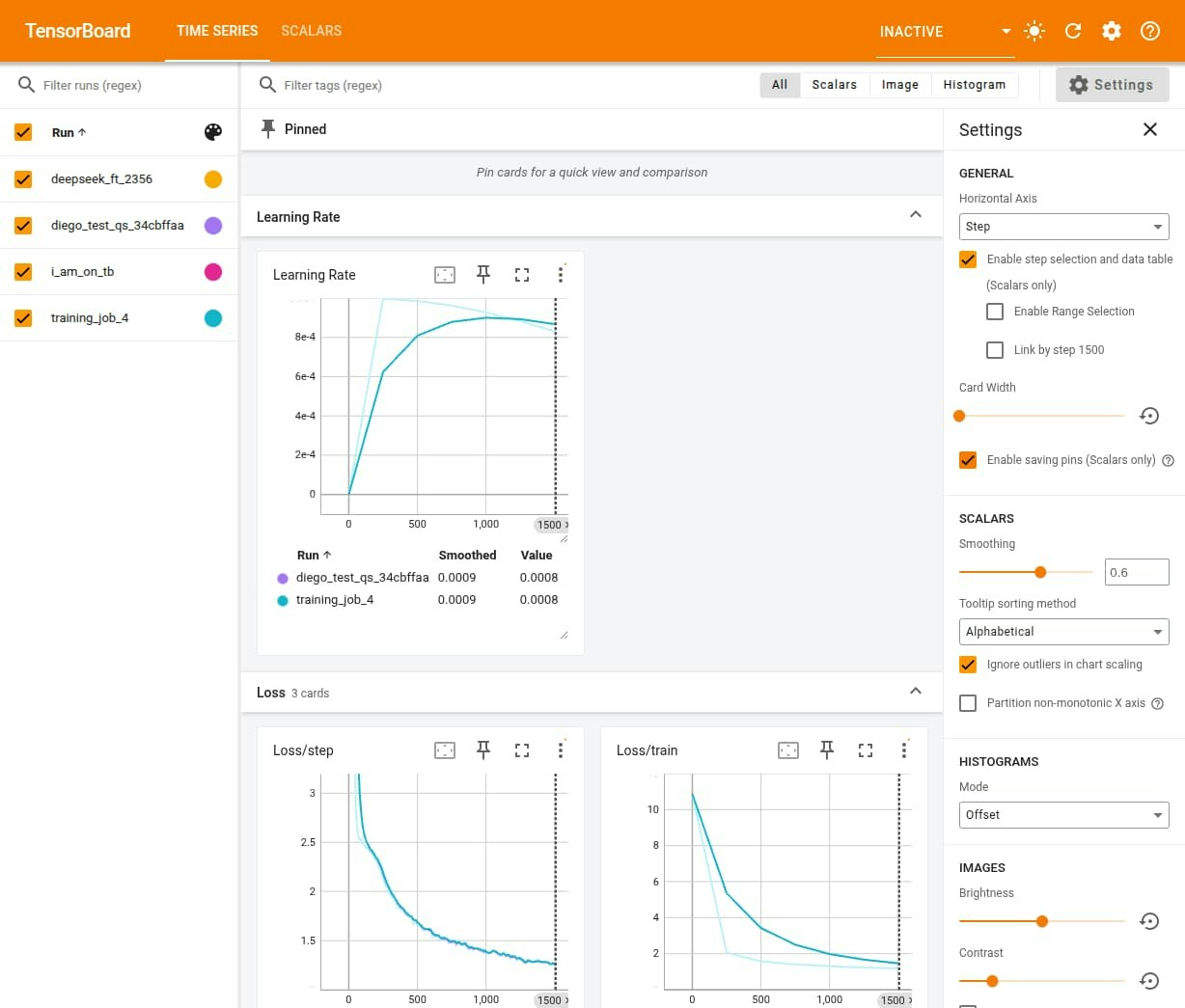 Contrary to what the name might indicate, **TensorBoard** is not limited to TensorFlow projects; it can also be used with **PyTorch** and other frameworks.