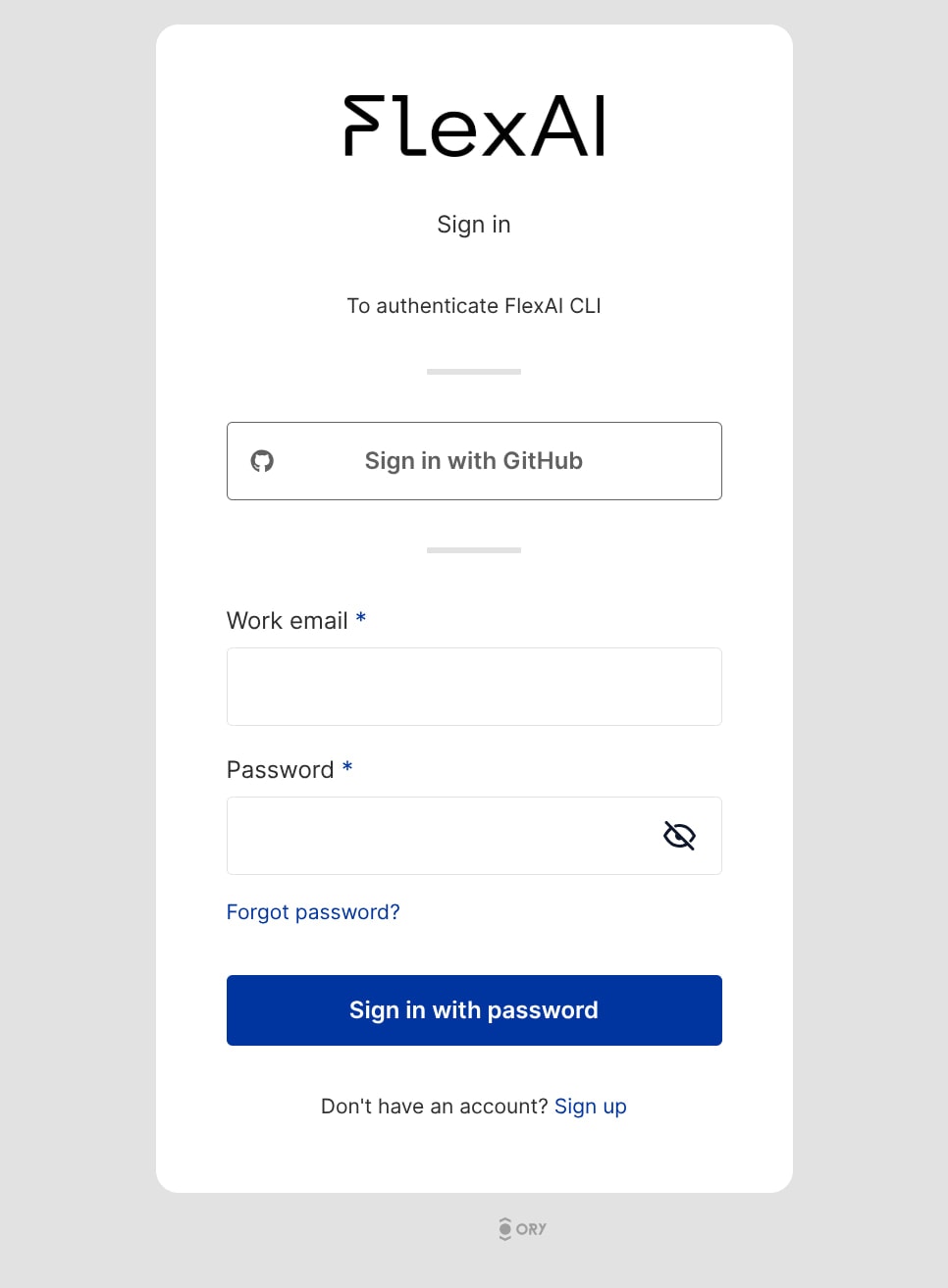
- Using the FlexAI Console
- Using the FlexAI CLI
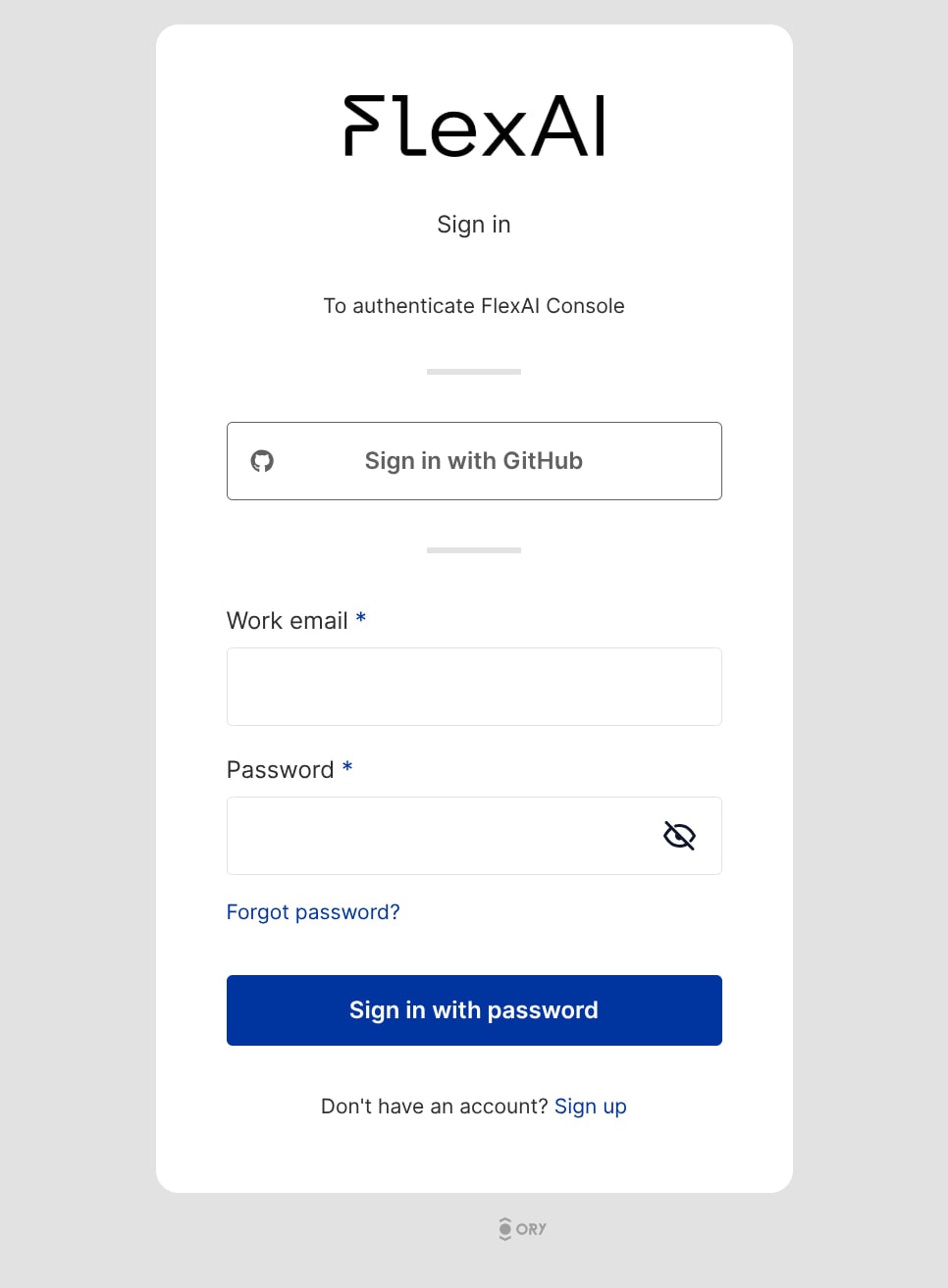
You can sign in to the FlexAI Web Console by visiting the FlexAI Web Console’s Sign In page.The authentication page will provide two options to sign in:
- Sign in with Email and Password: If you prefer, you can sign in using an email address. You’ll need to provide some information to get started.
-
Sign in with GitHub: If you have a GitHub account, you can sign in by authorizing FlexAI as an OAuth application.
Sign In with Email and Password
If you signed up to FlexAI with email and password, you’ll need to provide the Work Email and Password combination you used during sign up.Once you enter your credentials, select the Sign in with password button.You’ll be redirected to the FlexAI Web Console.If you ever forget your password, you can reset it by visiting this page or selecting the Forgot password? link on the sign-in page. You’ll be prompted to enter your email address.You will then receive an email with instructions to reset your password.