

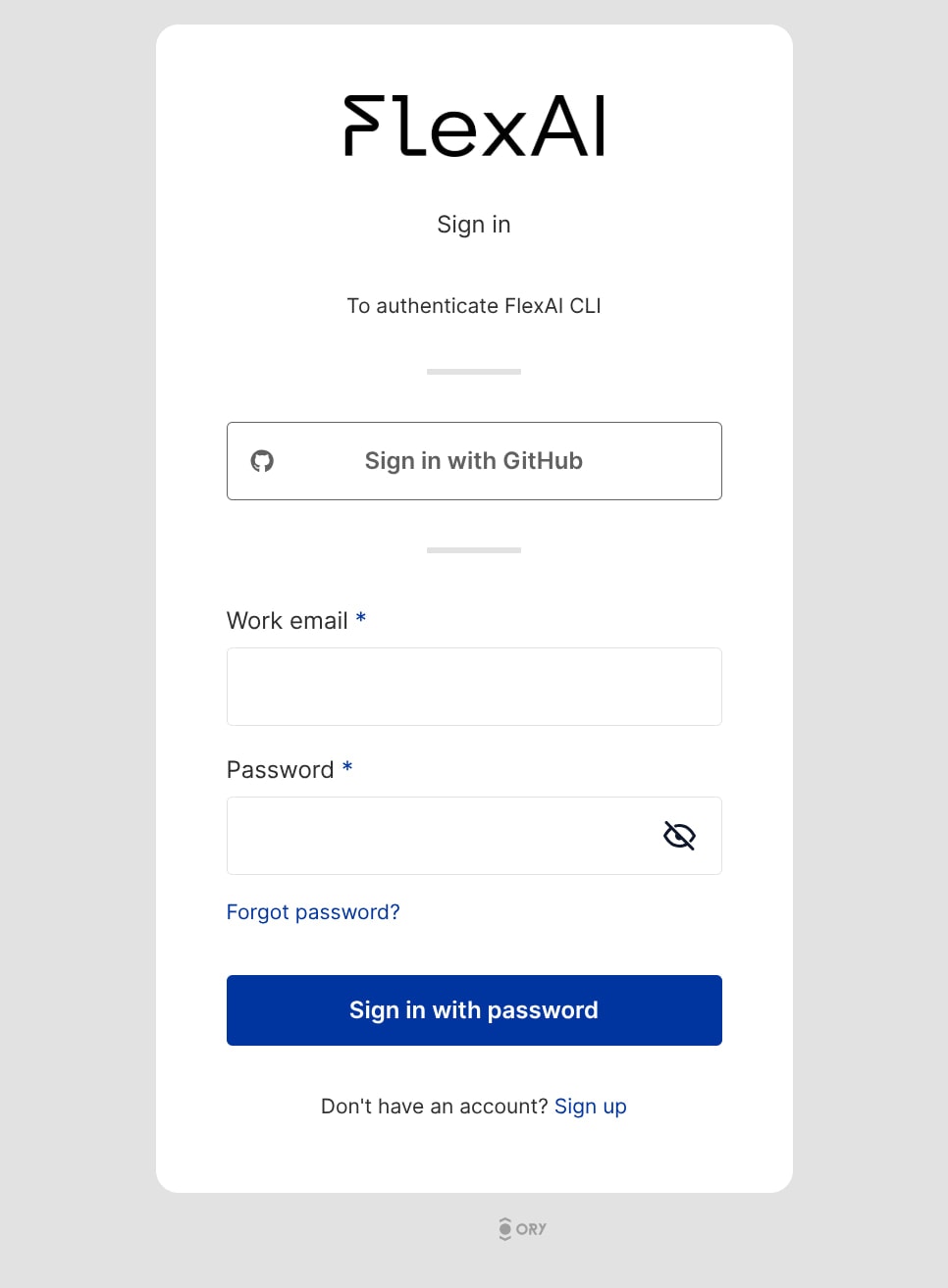
Ctrl+Left Click to open the link or copy and paste it directly into your browser to sign in with your GitHub account.
If you are running the FlexAI CLI within a headless environment (such as a remote SSH session), you can use the method described here to authenticate.
You are logged in! confirmation message.
If you are unable to authenticate, please reach out to our support team through the dedicated channels we’ve setup for your team.If you haven’t already, we recommend following the Training Quickstart Tutorial, which will guide you through an example that shows you how to train a model (NanoGPT in this case) to learn more about the main functionalities FlexAI has to offer.